
GST Verification Online: How to Verify a GST Number
Verify a GSTIN online to confirm a business is registered and compliant. What the 15 characters mean, how to check one on the GST portal, and how to automate it.
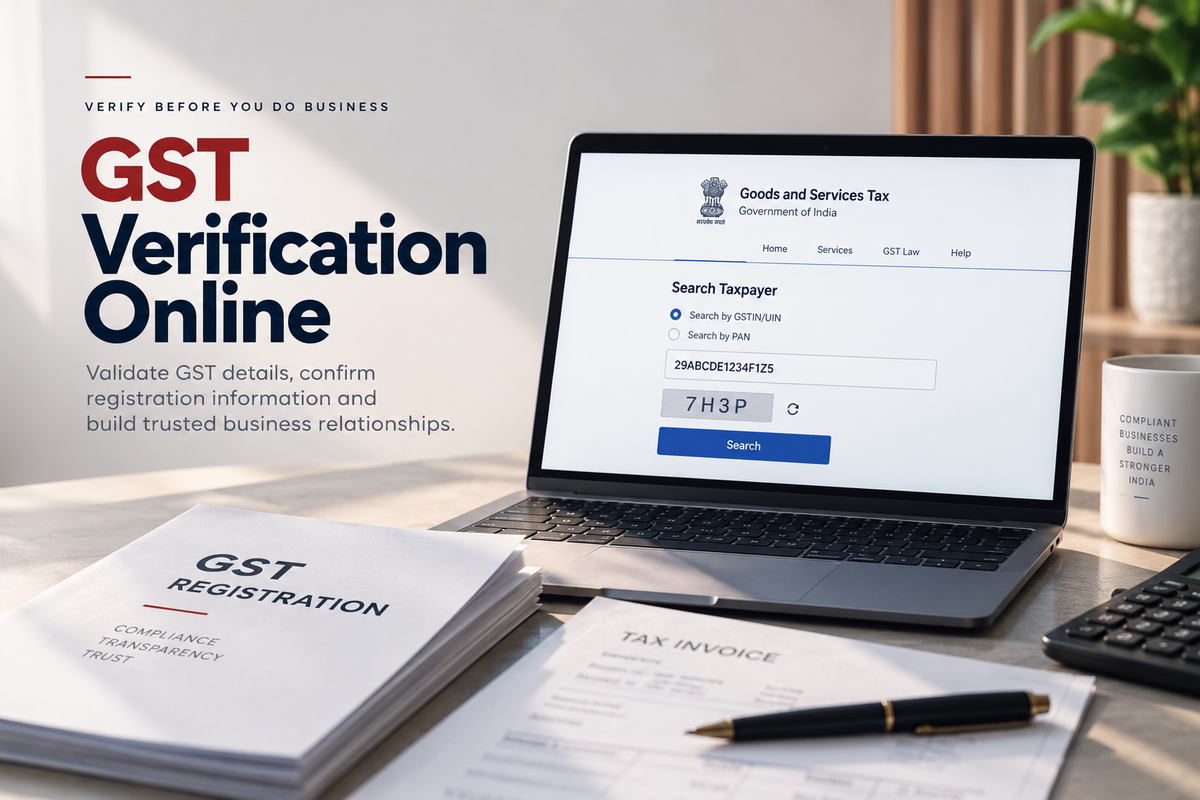
GST verification helps you verify a GSTIN and access the available registration details of the associated taxpayer. It provides businesses with a reliable way to confirm GST and registration information before entering into a business relationship.
What is GSTIN?
GSTIN is a 15-character, PAN-based unique identification number assigned to entities registered under GST in India. It serves as a unique identifier for registered taxpayers and is commonly included on business documents such as tax invoices and bills of supply.
Understanding the GSTIN structure
A GSTIN follows a specific format, such as 29ABCDE1234F1Z5:
- First 2 characters: State or Union Territory code
- Characters 3-12: PAN of the taxpayer
- 13th character: Entity or registration number
- 14th character: Default character, generally Z
- 15th character: Checksum character
Understanding the GSTIN structure can help identify an incorrectly formatted GST number.
Why is GST verification important?
GST verification helps businesses validate the GST details provided by customers, vendors, suppliers, and other businesses.
Common use cases include:
- Vendor and supplier verification
- Customer onboarding
- Invoice verification
- B2B verification
- Fraud and risk checks
What information can GST verification provide?
GST verification can provide key details about a registered taxpayer, including:
- Legal name
- Trade name
- GST registration status
- Registration date
- Business address
- Nature of business
- Taxpayer type
- HSN/SAC information
How to verify GST online
You can verify a GST number online through the official GST portal or automate the process using a GST verification API.
1. Verify a GST number through the official GST portal
For an individual GST check:
- Go to the official GST portal and open Search Taxpayer.
- Select Search by GSTIN/UIN.
- Enter the 15-digit GSTIN.
- Enter the displayed captcha.
- Click Search to view the available GST registration details.
This method is suitable for manually checking individual GST numbers.
2. Verify a GST number using an API
Businesses can automate GST verification using the GST Verification API:
- Integrate the verification API with your application.
- Send the GSTIN in the API request.
- Receive the available GST registration details in the API response.
This is useful for customer onboarding, vendor verification, KYC, and automated business verification.
- GST
- GSTIN
- Business verification
- Vendor onboarding